A real worksheet, graded — and which answers were proved rather than read. See it graded →
Class Margin

Homeschool families and schools

The work stays on paper. The grading does not stay on you.

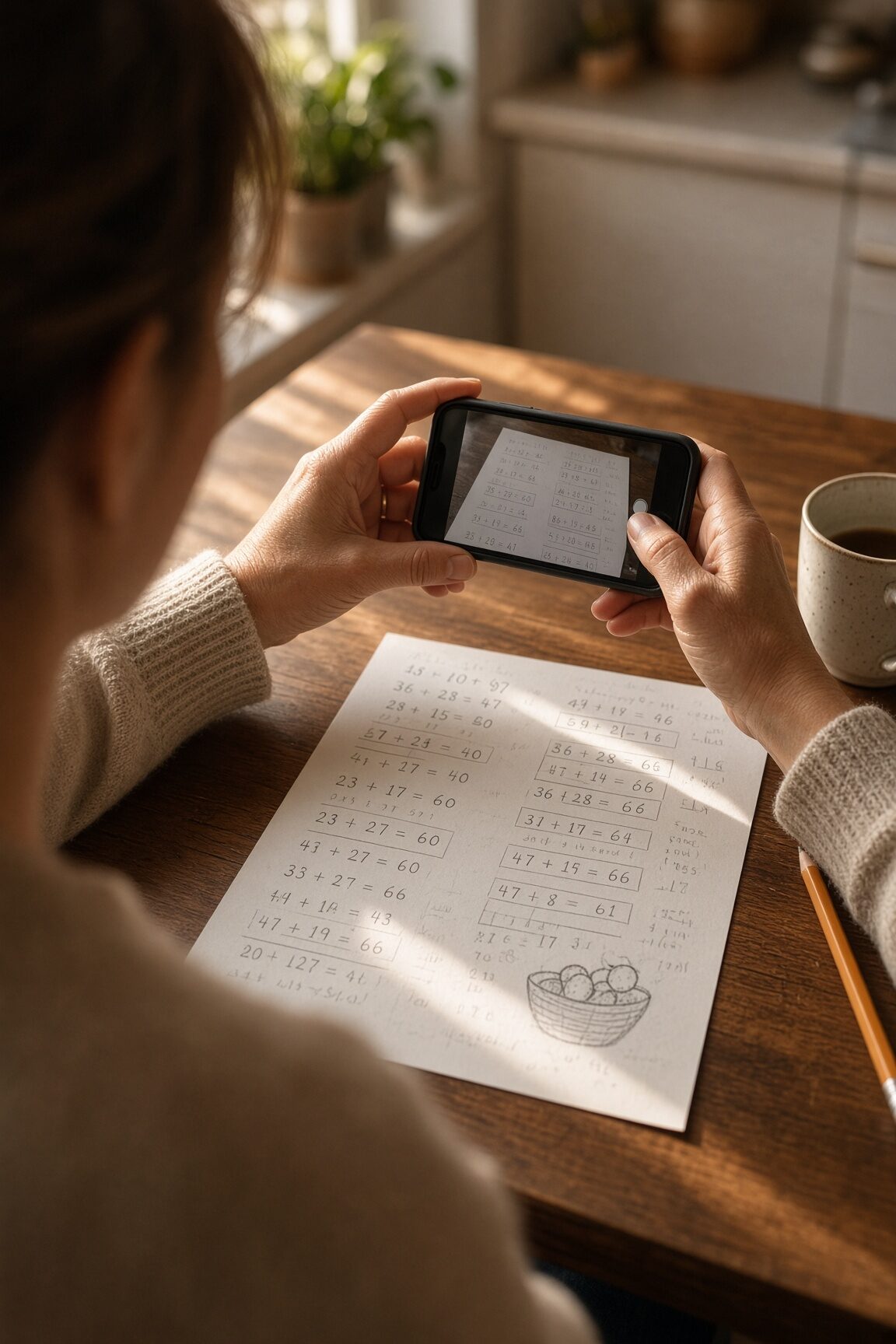
The children work with a pencil, the way they should. Somebody photographs the stack; Class Margin reads it and drafts the scores for a person to confirm, with the picture kept beside every one.

Start grading See one graded

A photographed arithmetic worksheet with ten handwritten answers 9 of 10 proved
A sample worksheet, graded — see every verdict

Two ways in

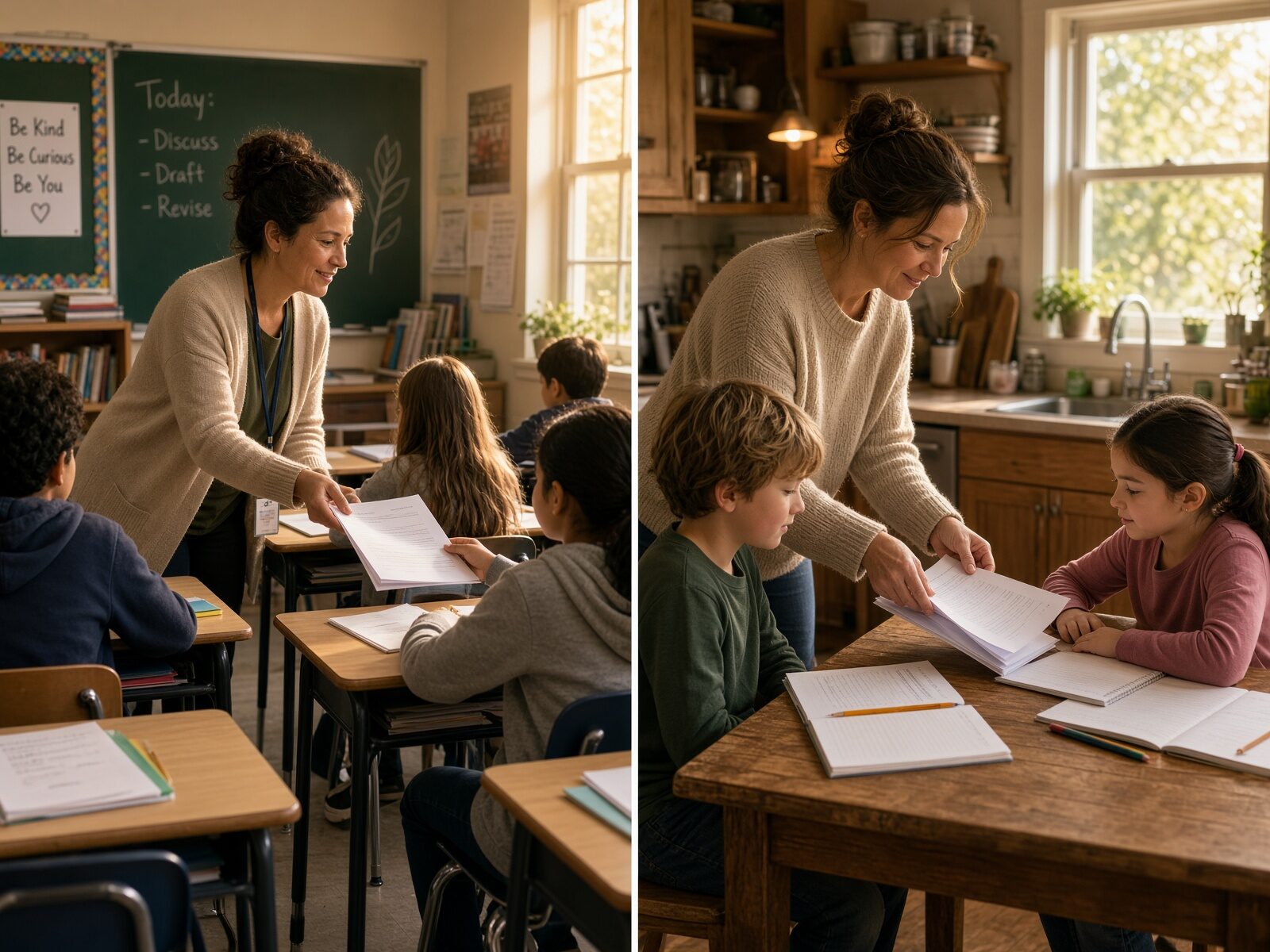
Which stack is yours?

The same signup either way — a name, an email, a password. What you are asked for next is the only thing that differs, and you can change which one you picked afterwards.

SCHOOL

Photograph the stack

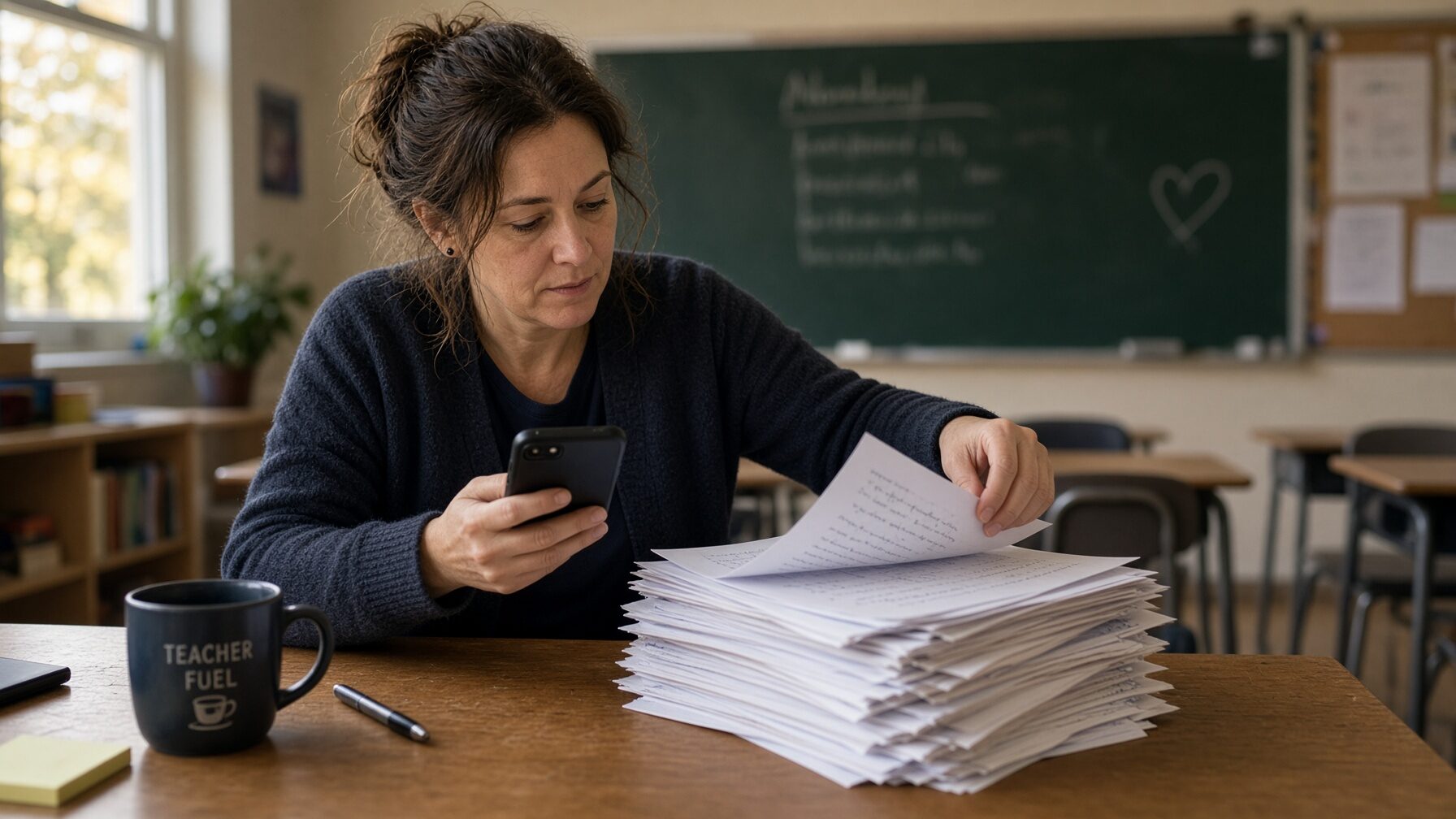
For the teacher, aide or assistant holding twenty-five papers and a short window before the next period. Classes belong to a school year; a roster carries class numbers and school IDs so a paper with only “3” at the top still finds its student; scores export as a CSV for the gradebook.

Whoever photographs the pile does not have to be whoever grades it. Assign an assistant to one class and they can photograph and match, but cannot confirm a key or finalize a score.

Start with your class

HOME

Photograph your children’s work

For a parent teaching at home. You are the teacher and the administrator, so there is nothing to set up but their names — no staff, no invitations, no school year to open. First and last names are enough.

Finalized work is kept for two years by default, which is what a portfolio needs, and a CSV export covers a state evaluation or a records request.

Start with your own children

Scoring accommodations

Score the way the card says, not the way the worksheet is printed

A card on a student changes how their paper is counted: only the items they completed, only the items on a list, or credit for correct process where the work is shown. It is set once and it applies every time that student’s paper comes through.

The card holds scoring rules and nothing else. No diagnosis, no plan, no medical note — the model is told how to count the paper and never told why.

How a card is set up

One worksheet, counted

What “it checks its own work” means

These three numbers are not written here. They are produced by the same code that grades a real paper, run against the sample worksheet above every time this page is served. See the worksheet and every verdict.

9 of 10

answers on the sample worksheet recomputed independently and proved. Not read confidently — proved.

1

that arithmetic cannot check, shown as read rather than proved. Class Margin says which one.

0

scores a model is allowed to finalize. Every one is a draft until a person says otherwise.

What’s different

Built for paper, and for the person doing the grading

Six things that follow from one decision: the work stays on paper, and the software comes to it rather than the other way round.

01

Paper first, not screen first

Nothing changes about how your child works. No logins for them, no tablet, no typing their answers into a box. They write; you photograph.

02

A stack, not one at a time

Photograph the whole pile in any order. Papers sort themselves into worksheets and you confirm each group once.

03

It checks its own arithmetic

Proposed answers to plain arithmetic are recomputed independently before you see them. You read the doubtful ones, not all of them.

04

Your child's work is never training data

Requests are made with retention switched off at the model provider. Their handwriting is not used to improve anybody's model, ours included.

05

Nothing is graded final by a machine

Every score is a draft with its reasoning attached. Written answers get counted mechanics and a range, never a score from a model.

06

$10 a month for the whole family

One price for the household, however many children are in it — no per-seat license for a family of three, no quote, no procurement. the first month free. What it costs.

Photograph

Twenty papers, twenty photographs, no decisions in between

No name to pick, no assignment to choose, and no waiting for one to finish before the next. Each upload returns as soon as the picture is stored, and the reading happens behind you.

  • They sort themselves. Papers cluster by worksheet, and each cluster is matched against the answer keys already in the class.
  • You confirm once per group. Six papers, one question, not six.
  • One paper per request. A dropped connection costs that paper and not the stack.
The scanning screen, with photographed papers waiting to be filed

Scanning a stack — recorded from the running app

Check

The photograph stays beside every score you are asked to trust

Marks run in question order across the top, so you know before reading a single row whether one answer wants you or ten do. The paper itself is the biggest thing on the screen, because checking it is the job.

  • Proved, read, or check. Three words, and the middle one is the honest one.
  • Every score is editable. The draft is a starting point and the number stays yours.
  • Only a person marks it final. There is no setting that changes that.
Reviewing a graded paper, with the photograph beside the draft scores

Reviewing a paper — recorded from the running app

Workflow

A stack of worksheets, start to finish

  1. Add it to your home screenOn a phone, install it once and capturing is a single tap from then on.
  2. Photograph the stackOne picture per page, in any order, no names typed.
  3. Let it readPapers group themselves by worksheet while you carry on.
  4. File each group onceConfirm the assignment for six papers, not six times.
  5. Confirm the answersOnly the ones it could not verify for itself.
  6. Check and keep the recordFix anything wrong, then export a CSV for your gradebook or your portfolio.

Every screen

There is no demo version of this

Six screens from the running app, photographed from it rather than drawn for this page. Nothing below is a mockup and nothing is coming soon.

Class dashboard
Class dashboard
Roster and scoring cards
Answer key, checked
Answer key, checked
Needs attention
Needs attention
What one child finds hard
Written-answer expectations

What it will not do

Four rules it keeps even when they cost it a better-looking number

Every one of these is enforced in code and covered by tests. They are the reason the count on this page is nine and not ten.

  • 01Plain arithmetic is recomputed, not trusted. What cannot be recomputed is shown as read, never as proved.
  • 02A photograph too poor to read is graded as nothing at all. A bad scan must not cost a student points.
  • 03A paper whose name cannot be read waits for a person. It is never filed under a best guess.
  • 04No model finalizes a score. Written work gets counted mechanics and a range, and the number stays yours.

Read what it cannot do

Before you go further

What this is not

A parent searching for help with homework wants something else, and should have it. This is worth saying plainly rather than letting anyone find out after signing up.

NOT

A solver

It does not answer the questions for your child, or show them a worked solution. It reads work they have already finished. If you want help getting through tonight's page, Photomath or Khanmigo is the tool you want.

NOT

An app for your child

There is no login for a student. Nobody under your roof signs in, types answers, or talks to a model. The adult photographs finished paper; that is the whole of the child's contact with it.

NOT

A lesson planner

It does not write your curriculum, generate worksheets, or plan your week. MagicSchool and its kind do that well. This does one job.

NOT

A university grading platform

No LMS to integrate, no quote to request, no rollout. Gradescope is built for that and is better at it. This is for a class, a co-op or a kitchen table.

What it is: photograph a stack of finished worksheets, get draft scores you confirm, and keep the photograph beside every one.

Questions worth asking any tool

The answers, before you ask

What you should askClass Margin
Is my child's work used to train your models? No. Requests are sent with provider retention switched off, and nothing is used for training.
Who can see the photographs? Only signed-in staff of your own household or school. Images sit in private storage with no public link.
What does the model actually get told? The page, and first names, nicknames and numbers for that class only. Never a diagnosis, never another child's page in the same request.
Does a machine decide the grade? No. Every score is a draft you confirm. Written answers are never scored by a model at all.
How long is it kept? You set the period — two years to start with for a homeschool, 180 days for a school. Work you have finalized is kept past it, which is what makes a portfolio.
What happens if the photograph is poor? Nothing is graded. You are told to look at the picture yourself rather than have a bad scan cost scores.

Read the full privacy page · How access is protected

Whichever one you are

The same guarantees

Private image storage with no public link to any photograph, every query scoped so one class never sees another's work, an audit of who changed what, and a retention period after which work is deleted.